How to stop sorting your enquiry inbox by hand: a first automation, planned properly
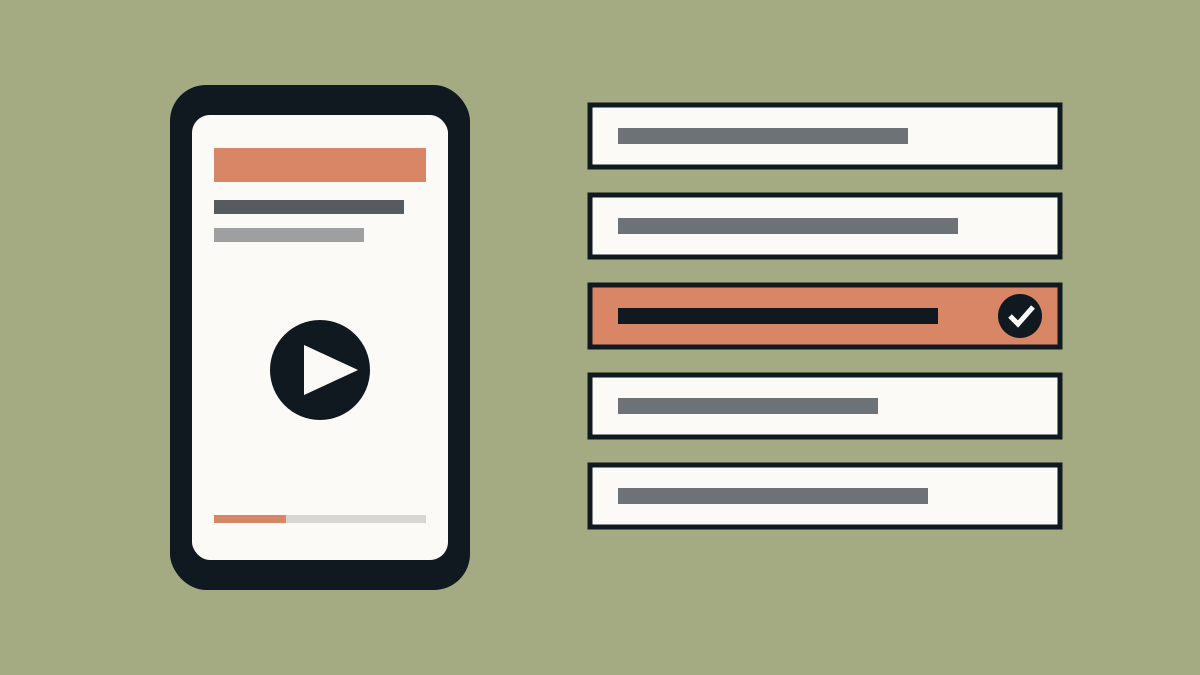
For many businesses, the first hour of the day is the same: open the inbox and the website form messages, work out which are real quote requests, which are questions from existing clients, and which are junk, then send each to the right place. It is necessary, repetitive, and a very good first thing to automate.
It is also easy to get wrong. The most common mistake is opening an automation tool and starting to drag boxes around before knowing what the process actually is. So let's plan it first.
Every automation has the same four parts
- A trigger: what starts it. A form is submitted, an email arrives, or a button is pressed.
- Actions: what happens next. Add a row to a spreadsheet, send a message, create a task.
- Logic: the "if this, then that" that sends different cases down different paths.
- An AI step: a point where a model reads or writes something, such as labelling a message or drafting a reply.
Tools such as n8n, Zapier and Make all build these from the same pieces, shown as boxes you connect on a canvas.
Plan on paper first
Before you build anything, write three things down in plain sentences:
- The problem. One sentence. "Sorting enquiries takes me an hour a day."
- The pain points. Where it wastes time or goes wrong. "Quote requests get buried. Spam looks real."
- The steps. In order, who or what does each one, and where a person checks the result.
What the finished flow could look like
Here is a made-up example for a contractor with an enquiry form on their website:
- Trigger: a new form submission arrives.
- AI step: read the message and label it as a quote request, an existing-client question, or spam.
- Logic: quote requests go into a spreadsheet and trigger a notification, client questions go to the person who handles them, and spam is dropped.
- AI step: draft a short reply to each quote request.
- Human check: you read the draft and press send.
Notice the last line. The best first automations keep a person at the end, so that a wrong guess costs you a glance, not a customer.
Test it on messy examples
The labelling step will do well on clean, obvious messages. Real inboxes are not clean. Before you rely on it:
- Try it on twenty real messages, including the confusing ones. Do not test only the easy cases.
- When it gets one wrong, improve the instructions first, then try a stronger model.
- Add an "unsure" path that sends doubtful messages to a person.
AI tools and their features change quickly, so check the current details before you rely on them.